How to Prevent Cost Overruns in EPC Projects Using SAP Project System
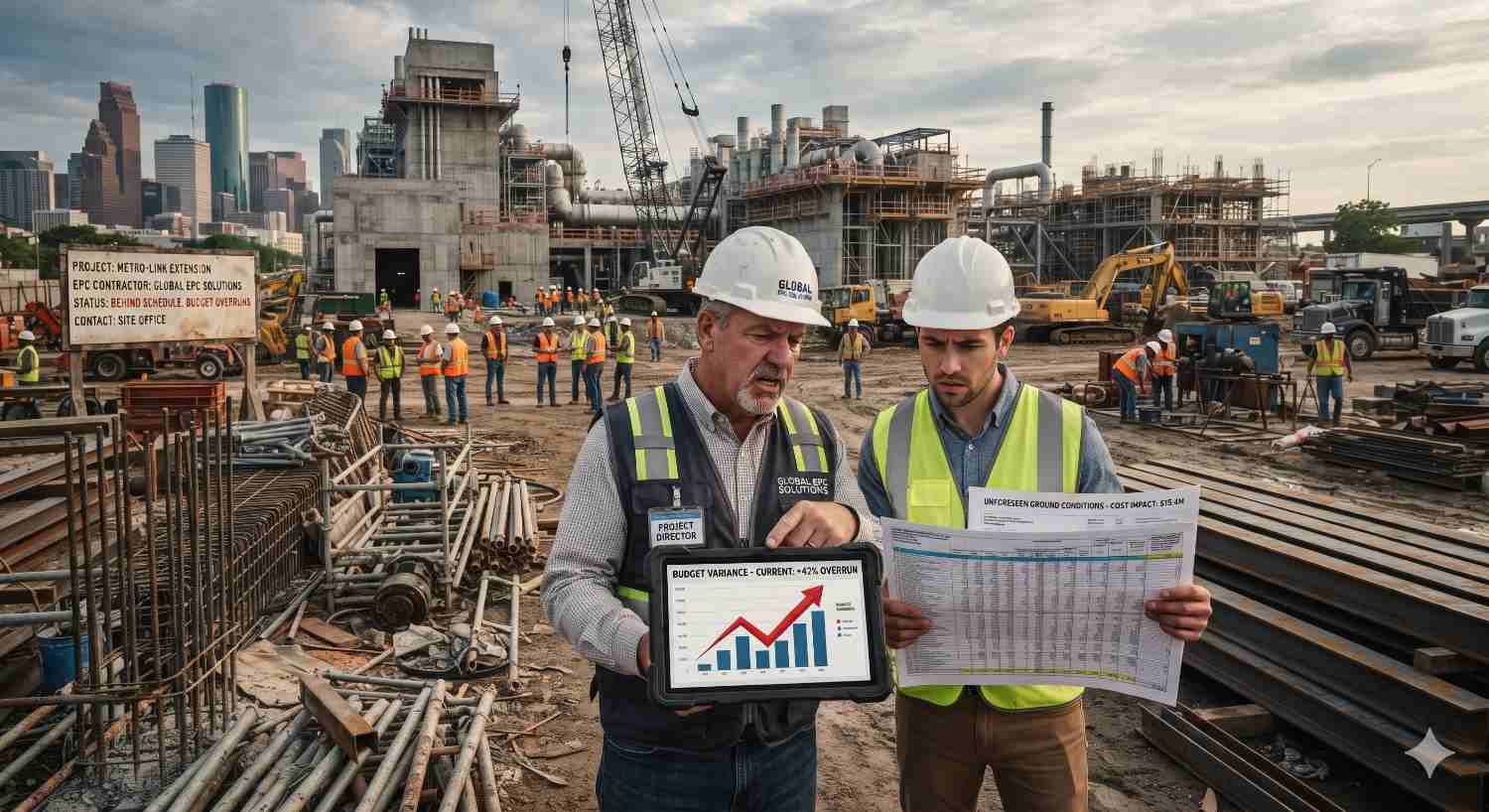
How to Prevent Cost Overruns in EPC Projects Using SAP Project System
Learn how SAP Project System helps EPC companies stop cost overruns with budget control, commitment tracking, and real-time forecasting.
A power plant in Gujarat that finishes eight months late. A pipeline package in Odisha where steel costs jump 14% halfway through execution. A metro civil contract where the final cost report shows a loss nobody saw coming until the last quarter.
If you work in engineering, procurement, and construction, you know these stories well. Cost overruns in EPC projects are the norm in the industry, not the exception, and they rarely come from one big mistake. They build up quietly through small decisions and delayed information until the numbers can’t be ignored.
The good news is that most overruns are visible long before they hurt, if your systems are built to show them. That is where SAP Project System (SAP PS) comes in. This guide explains why EPC projects overrun and how SAP PS gives your project controls team the early warning it needs. It also covers what to look for when choosing a SAP implementation partner.
Quick answer: How does SAP Project System prevent cost overruns?
SAP Project System prevents cost overruns in EPC projects by linking the work breakdown structure, budget, procurement commitments, schedule, and finance in one system. Availability control blocks or flags spending beyond budget, commitment tracking shows true exposure early, and cost-to-complete forecasting gives project teams time to act before the overrun happens.
What Are Cost Overruns in EPC Projects?
Cost overruns in EPC projects occur when the actual cost of delivering a project exceeds the approved budget. The cause is usually a combination of scope changes, procurement delays, price escalation, rework, and poor visibility across engineering, procurement, and construction. Large EPC contracts tend to be affected most because they involve many vendors, long timelines, and fixed-price commitments.
This definition looks simple, but the difficulty is in the details. An EPC contractor works under three pressures at once:
Fixed or capped contract values
Once the contract is signed, you absorb most cost increases yourself.
Long supply chains
Steel, cables, transformers, and imported equipment all carry price and delivery risk.
Multiple parallel workstreams
Engineering changes affect procurement, procurement delays affect site work, and site delays affect cash flow.
When these three pressures are tracked in separate spreadsheets and disconnected systems, you only learn about a problem after the money is spent.
Why Do EPC Projects Overrun? The Real Root Causes
Before fixing the problem, it helps to name it. In our experience, six causes show up again and again.
1. Budgets approved but never enforced
Many companies build a detailed estimate, then lose the link between that estimate and day-to-day spending. Purchase orders get raised without anyone checking the remaining budget.
2. Late visibility of commitments
Actual costs are a lagging indicator. By the time an invoice posts, the decision that caused it was made weeks ago. The real exposure sits in open purchase orders and subcontracts, which many finance teams can’t see per project.
3. Uncontrolled scope changes
A client asks for a small design change. Engineering approves it verbally. Nobody updates the budget, and the cost lands in the final account.
4. Poor forecasting
Many teams compare “spent so far” with “total budget” and call that a forecast. That shows how much you’ve used, not how much you’ll need to finish.
5. Manual, delayed reporting
If your monthly project report takes ten days to compile from Excel files, it is out of date before it reaches the management meeting.
6. Weak links between schedule and cost
A delayed activity extends site overheads, equipment rental, and labour. Without a connected schedule, these knock-on costs stay hidden.
SAP Project System is built to address each of these.
What Is SAP Project System (SAP PS)?
SAP Project System is the project management module within SAP ERP and SAP S/4HANA. It lets you structure, plan, budget, execute, and monitor large, complex projects, and it is fully integrated with Finance, Procurement, Sales, Inventory, and Plant Maintenance.
That integration is the point. A project isn’t tracked in a separate tool. Every purchase order, goods receipt, timesheet, invoice, and billing milestone that touches the project is posted against it automatically. This is why SAP PS for EPC companies is so effective: the project and the books never drift apart.
Here is how it works in practice.
7 Ways SAP Project System Prevents Cost Overruns in EPC Projects
1. Build a WBS That Mirrors How You Execute
The Work Breakdown Structure is the backbone of SAP PS. You break a large EPC contract into manageable elements, for example engineering, procurement, civil, mechanical, electrical, and commissioning, and then into smaller packages below each.
Each WBS element becomes a cost collector. Planned costs, budgets, actual costs, and commitments are all stored at that level. A project manager can see exactly where the money goes: Is the electrical package running hot? Is civil on track?
Practical tip: design the WBS around how you control cost, not only how you invoice. A WBS built purely for billing will hide the very detail you need to spot an overrun early.
2. Lock the Budget with Availability Control
This is one of the most powerful features for preventing overruns. Availability control compares planned spend, including open commitments, against the approved budget as transactions are entered. It can be set up in three ways:
- Warning: a user sees an alert when spending nears the limit.
- Warning with email: the project manager is notified automatically.
- Error (hard stop): the system blocks the purchase order or posting once the budget is exhausted.
Consider a procurement officer in Pune raising a PO for switchgear. If it would push the electrical package over 95% of its budget, the system flags it before the order goes out. That is the difference between preventing an overrun and explaining one later.
Your tolerance limits can be graded, say a warning at 80%, an email at 90%, and a block at 100%, so the control matches your risk appetite.
3. See Commitments, Not Just Actuals
In EPC, the money is committed long before it is spent. SAP PS captures purchase requisitions, purchase orders, and subcontract commitments against the WBS element the moment they are created. You get a true picture of exposure: budget, minus actuals, minus open commitments, equals what is truly left.
For finance leaders, this is the biggest shift. Instead of finding out in month nine that a vendor contract was larger than expected, you see it in week two.
4. Handle Scope Changes Through Budget Revisions
Scope changes will happen, and no system can stop clients from asking. What SAP PS can do is make every change visible and approved. Budget supplements, returns, and transfers are logged with a history, so you can see who approved what and why.
Combined with a proper change-order process, this protects your margin. When a client requests extra work, you have the cost impact calculated and documented before you agree, which supports a variation claim instead of leaving you out of pocket.
5. Forecast Cost-to-Complete, Not Just Cost-to-Date
SAP PS supports cost forecasting and earned value analysis, which compare the value of work completed with the money spent on it. Two numbers matter most:
- Cost Performance Index (CPI): a value below 1.0 means you are spending more than the work completed is worth.
- Estimate at Completion (EAC): a realistic projection of the final cost, based on current performance.
If your EAC is 8% above budget at the 40% completion mark, you have time to renegotiate, re-sequence, or find savings. At 90% completion, you don’t.
6. Connect the Schedule to the Cost
SAP PS uses networks and activities to model the project schedule. Activities link to WBS elements, so a delay shows its cost impact. When a critical activity slips, you can see its effect on site overheads, equipment hire, and milestone billing.
This matters for EPC projects with liquidated damages clauses. A two-week delay on a milestone may carry a penalty larger than the original cost of the delayed work. Seeing that link early changes decisions.
7. Settle Costs Correctly and Report in Real Time
Settlement moves project costs to the right accounts, such as assets under construction, cost of sales, or profitability segments. With SAP PS built into S/4HANA, reporting is live. There is no month-end scramble to consolidate Excel files.
Dashboards and Fiori apps can show budget versus actual, commitments, forecasts, and margin by project, by business unit, or by city, so a CFO in Mumbai and a site head in Chennai are looking at the same numbers.
Still tracking EPC costs in spreadsheets?
Get a free review of your project controls and see how SAP PS would fit your portfolio.
A Quick Example: How This Plays Out on a Real EPC Project
Here is a simplified example drawn from the kind of work we see in industrial EPC.
An EPC contractor was executing a ₹180 crore power distribution project. Their reporting was spreadsheet-based, and cost reviews happened monthly. Steel and cable prices rose mid-project, and by the time the monthly report flagged the variance, about ₹6 crore was already committed in purchase orders at higher rates.
After moving to SAP Project System:
- 1Every package had a budget and tolerance limit under availability control.
- 2Commitments appeared against WBS elements the day a PO was raised.
- 3Forecasts were refreshed weekly using progress and cost data.
- 4The project controls team ran a standing weekly review using live reports.
On their next comparable project, the team caught a similar price movement within days, renegotiated two packages before ordering, and kept the variance within tolerance. The lesson is that the tool didn’t remove the price risk. It gave the team the visibility and time to act.
Common Mistakes When Using SAP PS for EPC (and How to Avoid Them)
Buying the software doesn’t automatically prevent overruns. These are the pitfalls we see most often:
Over-complicated WBS structures
Too many levels create data entry fatigue, and users start bypassing the system. Aim for the level of detail you will actually control.
Switching off availability control “to speed things up”
If the control is disabled, you have lost the main safeguard. Tune the tolerances instead.
Ignoring master data discipline
Inconsistent cost elements and vendor data make reports unreliable.
Skipping user training
A control only works if site engineers, procurement officers, and finance teams use it consistently.
Treating implementation as an IT project
The project controls and commercial teams must lead the design.
Local Factors Indian EPC Companies Should Plan For
Indian EPC companies carry a few extra considerations that a good SAP PS design should cover:
GST and e-invoicing
Milestone billing, retention, and works contract taxation need to flow correctly from the project into billing documents.
Multi-state operations
Projects spread across states mean different tax treatment and statutory requirements.
Price escalation clauses
Many Indian government and PSU contracts include escalation formulas that should be reflected in forecasting.
Subcontractor-heavy execution
Strong commitment and measurement tracking for subcontractors is critical.
Currency exposure
Imported equipment adds exchange rate risk to the cost forecast.
How to Choose the Right SAP Implementation Partner for EPC Projects
Your results depend heavily on the partner who designs and deploys the solution. A SAP implementation partner with real EPC and project-based industry experience will bring templates and lessons that a generalist won’t. When you evaluate partners, ask:
- 1Have you delivered SAP PS for EPC or construction companies in India before? Can you share references?
- 2How do you design the WBS and budget structure for cost control, and not only for billing?
- 3How will you integrate PS with Finance, Materials Management, Sales and Distribution, and the GST setup?
- 4What is your approach to data migration, user training, and post go-live support?
- 5Do you offer ongoing managed services so the system keeps up with new projects?
At 2iSolutions, an SAP Gold Partner serving enterprises across India, our SAP consultants work with project-driven businesses to design SAP Project System setups that match how EPC teams actually run projects: structured budgets, enforced controls, and reporting that management trusts.
Your Action Plan: 6 Steps to Start Preventing Overruns
- 1Audit your current overruns. Pick your last three projects and find where the variance first became visible. How late was it?
- 2Define your control points. Decide which cost packages need hard budget limits and which need warnings.
- 3Design a WBS for control. Map it to how you manage cost, with budgets set at the right level.
- 4Turn on commitment tracking and availability control. Make this non-negotiable for procurement.
- 5Set a forecasting rhythm. Agree on a weekly or fortnightly cost-to-complete review.
- 6Choose a partner with EPC depth. Pick a SAP implementation partner who understands project-based industries.
Frequently Asked Questions
Final Thoughts
Cost overruns in EPC projects are rarely a surprise to the people closest to the work, but they are often a surprise to the people who sign off the numbers. SAP Project System closes that gap by connecting the plan, the commitments, the actual spend, and the forecast in a single view.
If your project controls still depend on spreadsheets and month-end reports, the next overrun is probably already forming. Move from reporting what happened to controlling what happens next.
Ready to bring cost control into your EPC projects? Talk to the SAP experts at 2iSolutions, an SAP Gold Partner and Odoo Partner in India, to discuss how SAP Project System can fit your project portfolio.
Ready to Stop EPC Cost Overruns Before They Start?
Talk to the experts at 2iSolutions, an SAP Gold Partner, about SAP Project System for your projects.