Integrating SAP S/4HANA with a Supplier Portal Using SAP BTP
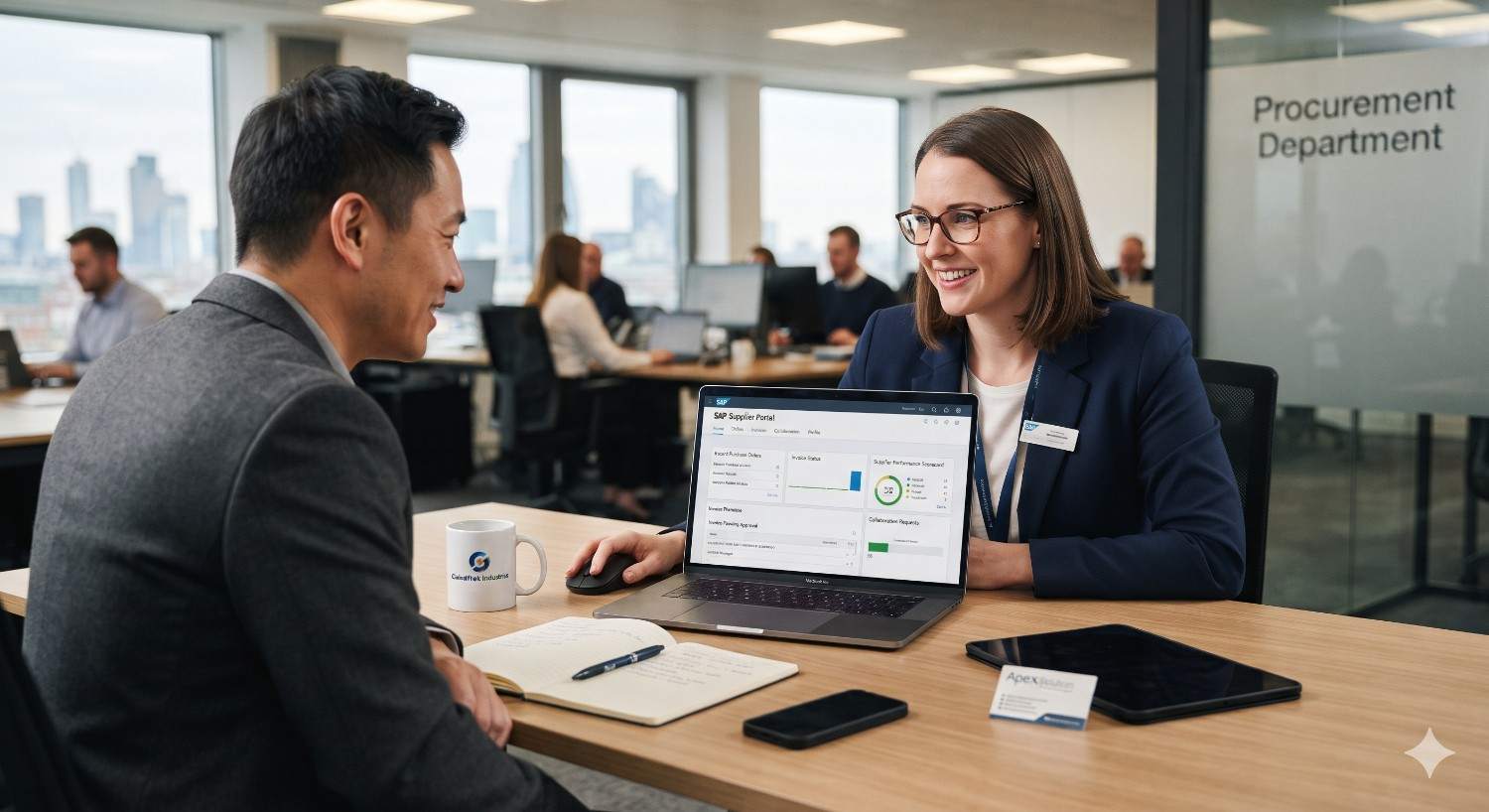
Integrating SAP S/4HANA with a Supplier Portal Using SAP BTP
See how SAP BTP integration connects your ERP to a secure supplier portal, with real-time order confirmations, faster invoicing and a clean core that stays upgrade-ready.
Quick Answer: How Do You Integrate SAP S/4HANA with a Supplier Portal?
You integrate SAP S/4HANA with a supplier portal by using SAP Business Technology Platform (SAP BTP) as the middle layer. SAP S/4HANA exposes purchase orders, supplier master data, goods receipts and invoices through standard OData and SOAP APIs. SAP Integration Suite on SAP BTP connects, secures and transforms those APIs. A portal front end, built with SAP Build or the SAP Cloud Application Programming Model (CAP), then shows suppliers only the data they are allowed to see. The result is real-time collaboration without opening your ERP core to the outside world.
- SAP S/4HANA remains the system of record.
- SAP BTP acts as the secure integration and extension layer.
- The supplier portal becomes the single place where suppliers confirm orders, upload invoices and track payments.
Why Supplier Collaboration Still Breaks Down
Talk to any procurement team and you will hear the same story. Purchase orders go out by email. Suppliers reply with a PDF, or a phone call, or sometimes nothing at all. Someone in accounts payable re-types an invoice into the system. A week later, nobody can say whether the goods have shipped.
This is not a people problem. It is a connectivity problem. Your ERP holds the truth, but your suppliers cannot see it, and you cannot safely let them log in to it.
A supplier portal fixes this gap. But the portal is only as good as the integration behind it. That is where SAP BTP integration earns its place, and why it has become a standard part of any serious SAP S/4HANA Implementation roadmap.
What Is a Supplier Portal, and What Should It Do?
A supplier portal is a secure web application where your vendors interact with your business processes. A good one typically lets suppliers:
Orders
- View and acknowledge purchase orders
- Confirm delivery dates and quantities
- Submit advance shipping notices (ASNs)
Invoices and payments
- Upload invoices
- Check payment status
Onboarding and sourcing
- Update company details, bank data and certificates
- Respond to requests for quotation (RFQs)
On your side, procurement and finance teams get cleaner data, fewer manual touchpoints and faster cycle times.
The question is how to build this without compromising SAP S/4HANA. The answer is not to connect the portal directly to the ERP. The answer is to put SAP BTP in between.
Why Use SAP BTP for a Supplier Portal?
SAP BTP is SAP’s cloud platform for integration, extension, data and application development. For supplier-facing scenarios, it offers four practical advantages.
1. It protects your clean core
SAP recommends keeping the S/4HANA core as standard as possible. Instead of adding custom code inside the ERP, you build portal logic on SAP BTP and call S/4HANA through released APIs. Upgrades stay simple.
2. It provides a security buffer
Suppliers never touch your ERP network. Every request passes through authenticated, rate-limited, monitored API endpoints.
3. It speeds up development
Prebuilt connectors, integration content and low-code tools reduce build time compared with writing everything from scratch.
4. It scales across hybrid landscapes
Many companies run SAP S/4HANA alongside older SAP ECC systems, third-party tools or SAP Ariba. SAP BTP can bridge all of them.
This is one of the clearest examples of how SAP S/4HANA Supports modern, cloud-connected business models: the core handles transactions, and the platform around it handles collaboration.
Reference Architecture: The Building Blocks
Here is a simple architecture that works for most mid-size and enterprise scenarios.
Layer 1: SAP S/4HANA (system of record)
Holds purchase orders, supplier master records, goods receipts, invoices and payment data. It exposes released OData APIs, such as those for business partners, purchase orders and supplier invoices. You can browse these on the SAP Business Accelerator Hub.
Layer 2: SAP Cloud Connector
For on-premise or private cloud. If your S/4HANA runs in your own data center or a private cloud, SAP Cloud Connector creates a secure outbound tunnel to SAP BTP. No inbound firewall holes are needed.
Layer 3: SAP BTP services
- SAP Integration Suite: iFlows, API management and message mapping
- Destination service: connection details and credentials
- SAP Cloud Identity Services: supplier log-in, single sign-on and multi-factor authentication
- SAP Event Mesh or Advanced Event Mesh: real-time events such as “purchase order created”
- SAP HANA Cloud or a lightweight database: portal-specific data, like uploaded documents
Layer 4: The portal front end
Build it with SAP Build Apps, SAP Build Work Zone, or a CAP-based SAPUI5 or Fiori application. This is what suppliers see.
Layer 5: Supplier identity
Suppliers sign in through a dedicated identity tenant, separate from your employee directory.
Step-by-Step: How to Integrate SAP S/4HANA with a Supplier Portal Using SAP BTP
Step 1: Define the business scenarios first
Before touching any technology, list the exact processes the portal must support. Start small. Purchase order confirmation and invoice submission usually deliver the fastest return. Add RFQs, ASNs and onboarding later.
A clear scope keeps your SAP S/4HANA Implementation or enhancement project on schedule and prevents the portal from turning into an everything-app.
Step 2: Identify and activate the right APIs
Open the SAP Business Accelerator Hub and search for released APIs that match your scenarios. In S/4HANA, you activate and expose these through the Gateway and communication arrangements. Create a dedicated communication user and communication scenario for the portal so permissions stay narrow.
Common candidates include:
- Business Partner API for supplier master data
- Purchase Order API for order details and confirmations
- Supplier Invoice API for posting invoices
- Material Document API for goods receipt status
Always prefer released, whitelisted APIs over direct table reads or custom function modules. They are stable across upgrades.
Step 3: Connect SAP BTP to SAP S/4HANA
If you are on SAP S/4HANA Cloud, you can connect directly using a communication arrangement and the BTP Destination service. For on-premise systems, install SAP Cloud Connector, map the internal host and the allowed API paths, and create a matching destination in your BTP subaccount.
Test the destination with a simple read call before building anything else. A successful response confirms network, authentication and authorization all work.
Step 4: Build the integration flows
In SAP Integration Suite, create integration flows that:
- Pull purchase orders from S/4HANA and expose a simplified, supplier-safe version
- Receive order confirmations from the portal and post them back to the ERP
- Accept invoice data, validate it, and call the Supplier Invoice API
- Handle errors with clear retry logic and alerts
Use API Management in front of these flows. It lets you apply quotas, spike arrest and OAuth policies so one noisy supplier cannot slow down everyone else.
Step 5: Add event-driven updates
Polling the ERP every few minutes wastes resources and delays information. Instead, publish business events from S/4HANA to SAP Event Mesh. When a new purchase order is released, the portal receives a push notification and can email the supplier immediately.
This is where the platform shines. Real-time visibility is hard to achieve with email chains, but straightforward with an event-driven pattern.
Step 6: Build the supplier-facing application
Choose the toolset that fits your team:
- SAP Build Apps or Build Work Zone for low-code speed
- CAP with SAPUI5 or Fiori elements for deeper customization
- A custom front end (React or Angular) calling BTP APIs, if your design team requires it
Whichever you pick, keep the interface simple. Suppliers are busy. If confirming an order takes more than three clicks, adoption will suffer.
Step 7: Secure everything
Security is not a final-week task. Design it from day one.
- Use SAP Cloud Identity Services for supplier authentication, with MFA enforced
- Apply role-based access so each supplier sees only its own data
- Filter at the API layer by supplier ID, never only in the front end
- Encrypt data in transit and at rest
- Log every access and change for audit
- Scan uploaded documents for malware
A single data leak between suppliers can destroy trust, so test tenant isolation carefully.
Step 8: Test, pilot and roll out in waves
Run end-to-end tests with realistic data. Then pilot with five to ten friendly suppliers. Gather feedback, fix friction points and expand in waves. Provide short video guides and a support contact. Adoption depends as much on training as on technology.
Planning a supplier portal on SAP BTP?
Get an architecture review that maps your APIs, security model and rollout plan before you commit budget.
Key Benefits of This Approach
Companies that connect S/4HANA to a supplier portal through SAP BTP usually report:
Faster order cycles
Confirmations arrive in hours, not days.
Fewer invoice errors
Suppliers enter data once, and validation catches mistakes early.
Lower administrative cost
Less manual keying and fewer follow-up calls.
Better supplier relationships
Transparency builds trust.
Stronger compliance
Every action is logged and traceable.
Easier upgrades
The clean core stays intact.
These outcomes depend on good design, and results vary by company. But the pattern is consistent: better data flow creates better supplier performance.
Common Challenges and How to Avoid Them
- Poor master data. If supplier records are duplicated or outdated, the portal will expose that mess. Clean your data before go-live.
- Scope creep. Every department will request “just one more feature.” Stick to a phased roadmap.
- Low supplier adoption. Small suppliers may resist new tools. Offer simple onboarding, mobile-friendly screens and a fallback process during transition.
- Performance bottlenecks. Heavy queries can slow your ERP. Use caching, pagination and event-based updates.
- Unclear ownership. Decide early who owns the portal: procurement, IT or a shared product team. Without ownership, improvement stalls.
Experienced partners can help avoid these pitfalls, especially during a large SAP S/4HANA Implementation where many workstreams compete for attention.
Best Practices for a Smooth Integration
- 1Follow clean core principles. Extend on SAP BTP, not inside the ERP.
- 2Use released APIs only. They survive upgrades.
- 3Start with high-value processes. Order confirmation and invoicing first.
- 4Design for the supplier, not just for IT. Usability drives adoption.
- 5Monitor continuously. Use SAP Cloud ALM and BTP monitoring tools to track failures and latency.
- 6Document everything. Future teams will thank you.
- 7Plan for growth. Build so you can add RFQs, ASNs and sourcing events later.
- 8Involve procurement early. They know the real pain points.
SAP BTP Integration vs. Other Options
You might wonder whether you need a custom portal at all. Here is a quick comparison.
| Option | Best for | Limitation |
|---|---|---|
| SAP Business Network (including Ariba) | Companies wanting a ready-made, shared network | Less control over custom workflows |
| Custom portal on SAP BTP | Unique processes and full branding control | Needs design and build effort |
| Direct ERP access for suppliers | Rarely recommended | Security and licensing risks |
| Email and spreadsheets | Very small volumes | Error-prone and hard to audit |
Many organizations combine approaches: SAP Business Network for large trading partners and a custom BTP portal for niche or regional suppliers.
How SAP S/4HANA Supports Long-Term Supplier Digitization
It helps to remember why this architecture works so well. SAP S/4HANA Supports real-time data processing through its in-memory design, and it provides a growing library of released APIs and events. Those features make it a strong foundation for external collaboration. When you pair that foundation with SAP BTP, you gain a flexible layer for innovation, including AI-assisted invoice matching, predictive delivery alerts and supplier risk scoring.
In other words, the portal you build today is not an endpoint. It is a platform you can keep improving.
A Simple Example: Purchase Order Confirmation
Imagine a manufacturer that issues 800 purchase orders every week.
- A buyer releases a purchase order in S/4HANA.
- An event is published to SAP Event Mesh.
- The portal receives the event, and the supplier gets an email with a secure link.
- The supplier logs in with MFA, reviews the order and confirms delivery dates.
- The portal calls an integration flow, which posts the confirmation back to S/4HANA.
- The buyer sees the updated schedule instantly, without any email.
What used to take two days of back-and-forth now takes minutes.
Checklist Before Go-Live
- Business scenarios approved by procurement and finance
- APIs activated and tested
- Cloud Connector or direct connection verified
- Supplier identity and MFA working
- Data isolation tested between suppliers
- Error handling and alerts configured
- Performance and load tests completed
- Supplier training material ready
- Support process and contacts defined
- Rollback plan documented
Frequently Asked Questions
Final Thoughts
A supplier portal should make life easier for everyone: buyers, finance teams and the suppliers who keep your business running. Connecting it to SAP S/4HANA through SAP BTP gives you speed, security and a clean core, all at once.
Start with a clear scope. Use released APIs. Build security in from the beginning. Roll out in phases and listen to your suppliers. If you do those four things, your SAP BTP integration will grow from a simple order-confirmation tool into a strategic collaboration platform.
Whether you are planning a fresh SAP S/4HANA Implementation or modernizing an existing landscape, a well-designed SAP Supplier Portal is one of the most practical upgrades you can make. At 2iSolutions, an SAP Gold Partner, we help businesses with architecture, API selection and rollout across SAP BTP, SAP Fiori and S/4HANA.
Ready to Connect Your Suppliers to SAP S/4HANA?
Talk to the SAP experts at 2iSolutions, an SAP Gold Partner, about a secure supplier portal built on SAP BTP.