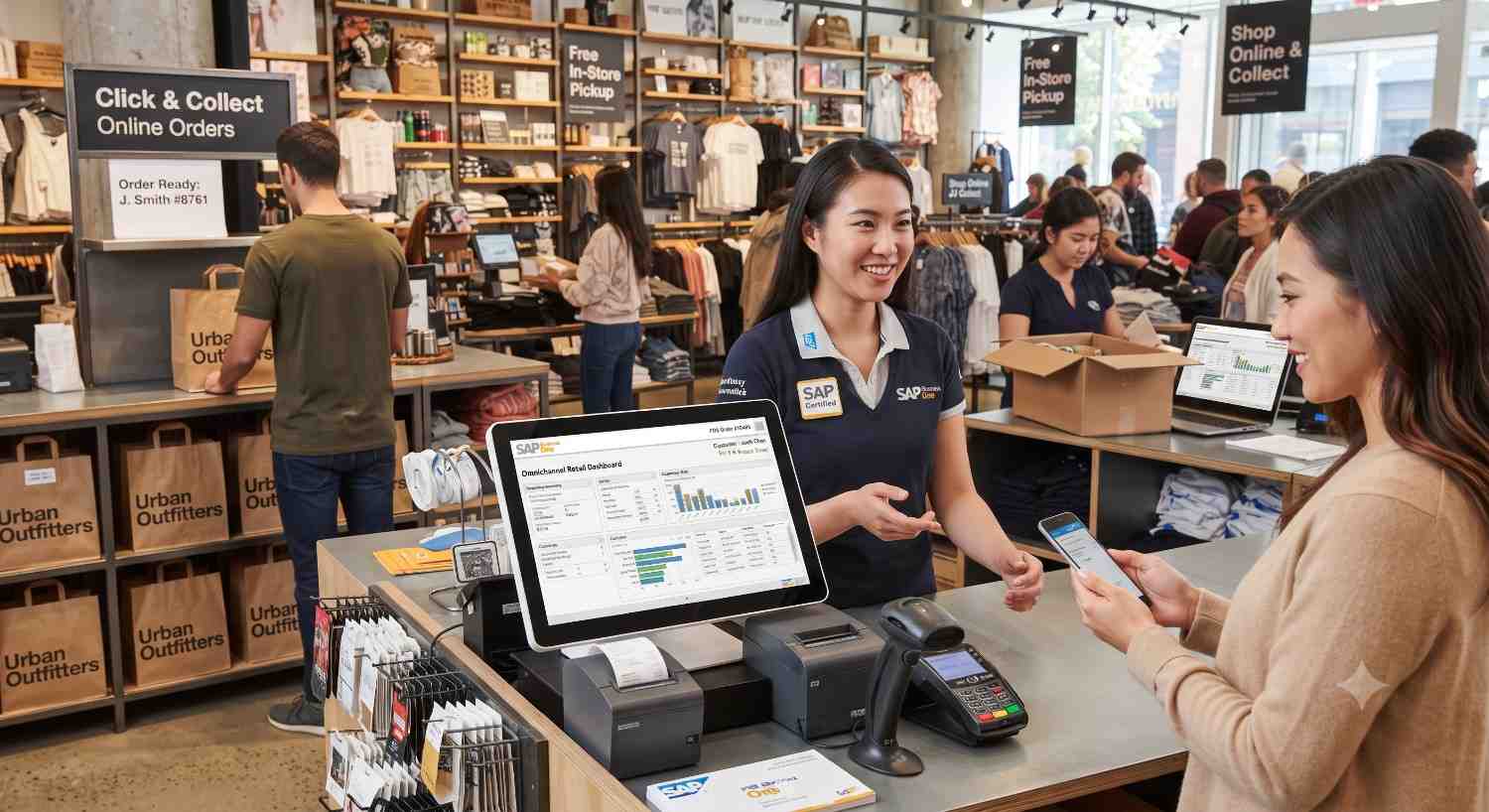
SAP Business One for Omnichannel Retail
SAP Business One can manage omnichannel retail effectively when it’s connected to the right POS and e-commerce platforms through proper integration. On its own, SAP Business One is a powerful ERP for retail industry operations — handling inventory, finance, purchasing, and reporting. But SAP Business One for Omnichannel Retail isn’t just about having good back-end software; it’s about making sure every sales channel (in-store, online, mobile, marketplace) talks to that back-end in real time. That’s where a well-planned SAP Business One implementation and ongoing SAP Business One support come in.
If you’re a retailer trying to figure out whether SAP Business One is the right fit for running stores, an online shop, and everything in between from one system, this guide breaks down exactly how the pieces fit together.
What Does “Omnichannel Retail" Actually Mean?
Before we talk about software, let’s get on the same page about the problem.
Omnichannel retail means a customer can start browsing on their phone, check stock at a nearby store, buy online, and return the item in person — and every step feels connected. There’s no “online team" and “store team" working from two different systems that don’t talk to each other. There’s one source of truth.
Sounds simple. In practice, it’s one of the hardest things for growing retailers to pull off, because it depends on three systems working as one:
-
POS (Point of Sale) — what happens at the physical checkout counter
-
E-commerce platform — what happens on the website or app
-
ERP (Enterprise Resource Planning) — the backbone that manages inventory, accounting, purchasing, and customer data
When these three don’t sync properly, you get the classic retail nightmares: selling out-of-stock items online, mismatched pricing between the store and the website, delayed financial reporting, and customer service reps who can’t see a customer’s full order history.
This is exactly the gap SAP Business One is designed to close — but only when it’s implemented and integrated correctly.
Can SAP Business One Really Handle Omnichannel Retail?
Short answer: yes, and it’s already doing this for thousands of retail businesses worldwide. Long answer: it depends on how well the system is set up.
SAP Business One isn’t a POS system or an e-commerce platform by itself. It’s an ERP for retail industry operations — the central nervous system that connects everything. Think of it less like a single app and more like the control tower that keeps every channel synchronized:
-
Inventory updates in real time across every store and the online shop
-
Sales orders from any channel flow into one unified reporting system
-
Customer data stays consistent whether someone shops in-store or online
-
Financials update automatically without manual double-entry
To make SAP Business One for Omnichannel Retail actually work, SAP Business One needs to be connected to your POS software and your e-commerce platform (Shopify, WooCommerce, Magento, or similar) through APIs or certified connectors. This is where the quality of your SAP Business One implementation makes all the difference between a system that “technically works" and one that genuinely powers a smooth omnichannel experience.
How POS Integration Works with SAP Business One
Your point-of-sale system is where the customer experience actually happens in a physical store. For omnichannel retail to function, the POS can’t operate as an island.
When SAP Business One is properly connected to your POS:
-
Every in-store sale updates inventory instantly. No more end-of-day stock reconciliation guesswork.
-
Pricing and promotions stay consistent. A discount created in SAP Business One reflects at the register the same day it reflects online.
-
Customer loyalty data syncs automatically. A customer’s purchase history, whether from a physical store or a mobile order, lives in one profile.
-
Returns and exchanges are tracked centrally. A product bought online can be returned in-store without confusion or manual adjustment.
Retailers with multiple store locations benefit the most here. Instead of each location keeping its own separate stock count, SAP Business One consolidates everything, giving management a single, accurate view of inventory across the entire retail network.
How E-Commerce Integration Works with SAP Business One
The online store is often where growth happens fastest — and where inventory mistakes hurt the most, because customers expect instant accuracy.
A proper SAP Business One and e-commerce integration typically covers:
-
Real-time stock visibility — so the website never shows a product as available when it’s actually sold out in the warehouse
-
Automated order flow — online orders create sales documents in SAP Business One automatically, triggering picking, packing, and shipping workflows
-
Unified customer records — a shopper’s online account and their in-store profile are the same record, not two separate databases
-
Accurate financial posting — every online transaction is reflected in accounting without manual data entry, reducing errors at month-end close
This integration usually happens through middleware or a certified connector that maps data fields between the e-commerce platform and SAP Business One. Getting these field mappings right — SKUs, tax codes, currencies, shipping rules — is a detail-heavy part of any SAP Business One implementation, and it’s where experienced implementation partners earn their value.
The Role of ERP Integration in Making Omnichannel Work
POS and e-commerce integration get most of the attention, but the ERP layer is really what makes omnichannel retail sustainable long-term. SAP Business One, functioning as the core ERP for retail industry businesses, is responsible for:
-
Centralized inventory management across warehouses, stores, and online fulfillment centers
-
Purchasing and replenishment based on real demand data from every channel combined
-
Financial consolidation so leadership sees one accurate revenue and margin picture, not three disconnected reports
-
Customer relationship data that supports personalized marketing and service across every touchpoint
-
Business intelligence and reporting that shows which channels are actually profitable
Without this ERP backbone, POS and e-commerce systems become isolated silos that happen to share a logo. With it, they become one connected retail operation.
Why a Strong SAP Business One Implementation Matters
Here’s a truth many retailers learn the hard way: buying the software is the easy part. A rushed or poorly scoped SAP Business One implementation is the number one reason omnichannel projects underdeliver.
A solid implementation process should include:
-
Business process mapping — understanding exactly how inventory, orders, and returns move through your specific retail operation before configuring anything
-
Integration planning — deciding upfront how POS and e-commerce platforms will connect, not bolting it on afterward
-
Data migration — moving historical customer, inventory, and financial data accurately, without duplicates or gaps
-
User training — making sure store staff, warehouse teams, and finance all know how to work within the new system
-
Testing across every channel — simulating real sales scenarios in-store and online before going live
Retailers who treat SAP Business One implementation as a strategic project, not just a software install, are the ones who see SAP Business One for Omnichannel Retail actually pay off in reduced stockouts, faster fulfillment, and cleaner financial reporting.
Why Ongoing SAP Business One Support Is Non-Negotiable
Omnichannel retail isn’t a “set it and forget it" setup. Sales channels evolve, new marketplaces get added, promotions change weekly, and integrations need monitoring. This is why continuous SAP Business One support matters just as much as the initial rollout.
Good SAP Business One support typically covers:
-
Monitoring integration health between POS, e-commerce, and the ERP so data sync issues get caught before they affect customers
-
Troubleshooting sync errors — a missed order, a pricing mismatch, or a delayed inventory update
-
System updates and patches to keep everything running securely and compatibly
-
Scaling support as you add new stores, launch on a new marketplace, or expand into new regions
-
User support for staff questions, custom reports, and process adjustments as the business grows
Retailers who skip ongoing support often find that small integration issues pile up quietly until they cause a major stock or financial discrepancy. Reliable SAP Business One support is what keeps an omnichannel operation running smoothly month after month, not just on launch day.
Why ERP for Retail Industry Businesses Needs to Be Purpose-Fit
Not every ERP is built with retail’s specific rhythm in mind — seasonal demand spikes, high SKU counts, frequent promotions, and the need for real-time multi-location visibility. This is where SAP Business One stands out as an ERP for retail industry use cases specifically, rather than a generic system stretched to fit retail needs.
Retail-specific strengths include:
-
Built-in inventory and warehouse management suited to multi-location businesses
-
Flexible pricing and discount structures for promotions across channels
-
Native financial and reporting tools tailored to retail margins and cash flow
-
A large ecosystem of certified add-ons for POS, e-commerce, and marketplace connectors
-
Scalability from a single store to a multi-location, multi-channel retail chain
For small and mid-sized retailers specifically, this combination of retail-ready features and manageable cost is often what makes SAP Business One a more practical choice than larger, more complex ERP platforms.
Frequently Asked Questions
Does SAP Business One come with built-in POS and e-commerce features?
No. SAP Business One is the ERP backbone. POS and e-commerce functionality come from third-party or certified add-on solutions that integrate with it.
How long does a typical SAP Business One implementation take for a retail business?
It varies by complexity, but most retail implementations — including POS and e-commerce integration — take a few months from process mapping to go-live.
Is SAP Business One suitable for small retail businesses, or only large chains?
It’s built to scale, which makes it suitable for small retailers with a single store and e-commerce site, as well as multi-location chains.
What happens if POS and e-commerce integration isn’t done correctly?
You risk inventory mismatches, delayed order processing, and inconsistent financial reporting — the exact problems omnichannel retail is supposed to solve.
Can existing retailers migrate to SAP Business One without disrupting operations?
Yes, with a properly planned implementation that includes data migration and phased testing, most retailers transition without major disruption to daily sales.
Final Thoughts
So, can SAP Business One for omnichannel retail? Yes — but the software alone isn’t the whole story. Real omnichannel success comes from three things working together: a properly integrated POS system, a connected e-commerce platform, and an ERP for retail industry operations sitting at the center of it all.
The businesses that get the most value are the ones who invest in a thoughtful SAP Business One implementation from day one and back it up with dependable SAP Business One support long after go-live. Get those two things right, and SAP Business One doesn’t just support omnichannel retail — it becomes the reason your channels finally feel like one connected business instead of three separate ones.


